
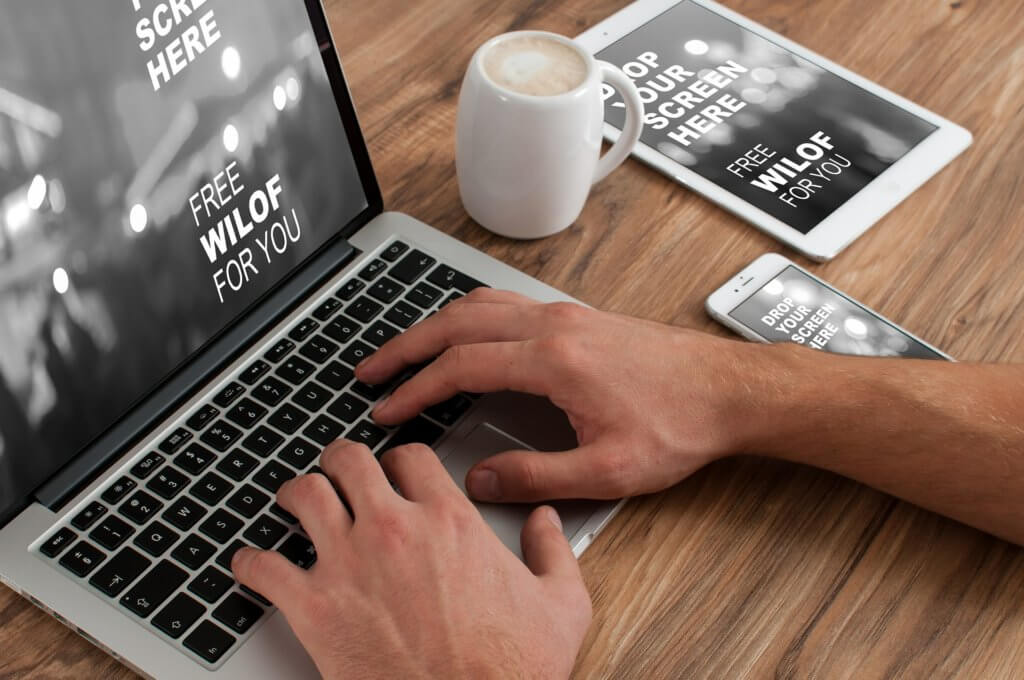
Almost 60% of part-time and full-time employees in the U.S started working remotely during the Covid-19 Pandemic. Though it was for a short time, employees enjoyed the remote experience and wanted to continue it even when the pandemic ended.
However, this whole work-from-home model was a problem for some IT professionals. How? Because they had to save the official and confidential data from cyberattacks, cyber crooks, and malware.
According to a study released by Ponemon Institute LLS and Keeper Security in 2020, remote workers’ devices are threatened by cybercrime, malware, and a lack of physical security. Their data is vulnerable, and criminals are trying to take full advantage of it. So yes, it was indeed a situation of concern for IT professionals.
Are you also a remote worker and want to make your work-from-home experience super safe and smooth? Don’t worry; we have got you covered! Our 6 cybersecurity tips to safely work from home will keep you and your data protected at all times. Read on!
Regularly Update Softwares
If you see a pop-up notification or reminder to update your software, please don’t delay and get done with it ASAP! Software updates work like patches for security holes, fix possible security flaws, and prevent harmful malware attacks by cybercriminals.
Keep the VPN On
VPNs protect your confidential data from external access while keeping it fully encrypted, which is why it is always active on company laptops. Therefore, never turn your VPN off, especially when you are using public WiFis. It will work as a prevention tool from cyberspies and cyber crooks.
Be Aware of Phishing Scams
Cybercriminals are targeting remote workers by sending fake emails with attachments and embedded links. These emails are what we call phishing scams. Once you click on the link, you face the wrath of malware or data breach. Therefore, watch out for these phishing scams and avoid opening links you are not sure of.
Create Strong Passwords
Always protect your devices with passwords that are too hard to guess, even for you. Create lengthy passwords, use combinations of upper and lower case letters, and add numbers and special characters. Using common passwords like ‘password’, ‘88888’, and ‘654321’ would be a self-imposed risk.
Use Separate Devices
Try to keep separate laptops or devices for work and personal use. Yes, don’t try working on a laptop you watch Netflix or YouTube on. Personal laptops usually have less security for data. Therefore, it would be best to only use company-provided devices for work.
Multi-Factor Authentication
If you don’t have multi-factor authentication on your work accounts already, please consider doing it fast. It will work as a coat of protection and security by stopping hackers from entering your accounts. Once you have multi-factor authentication on, nobody can enter your accounts without giving at least two identity proofs like security tokens, passwords, and biometric identifications.
Final Words
Working from home is undoubtedly flexible and productive, but it also comes with the responsibility of keeping the company’s confidential data secure. If you follow the above-mentioned tips, we assure you that you will fulfill your work responsibility!